
 Book the first
Web Design & UI/UX
Building websites and interfaces: from idea and mock-up to a finished page.
Price: 145 EUR / package of 4 lessons of 2 hours
The price is indicative. The academy confirms the final amount, currency and lesson package before payment.
Enrol on the programme

Learning outcomes
that stay with the child for a long time
From the first steps in programming to confidence in their own abilities — the child masters modern digital tools.
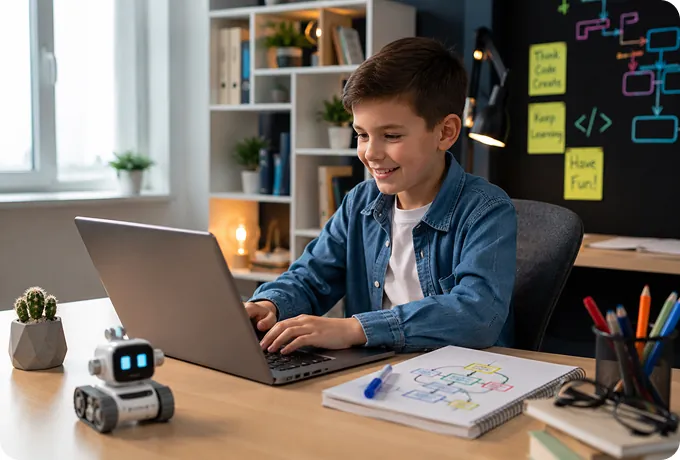
Professional skills
- Basics of composition, colour and typography
- Designing mock-ups in Figma
- Building pages in HTML
- Styling and responsiveness in CSS
- Designing UI/UX flows
- Assembling a digital portfolio

Personal skills
- A sense of taste and attention to detail
- Creativity and visual literacy
- The ability to take feedback
- Planning work on a layout
- Presenting their own solutions
- Teamwork
Programme plan
Web design basics
We work through composition, colour and typography.
Mock-ups in Figma
We assemble pages and interfaces.
HTML and CSS
We build and style the pages.
Final project
We build a website of our own for the portfolio.
Projects your child
will be proud of
Every project stays in the student's personal portfolio.

Personal website
Technologies: HTML / CSS

A site about their hobby
Technologies: HTML / CSS

Mobile app design
Technologies: Figma
 Book the first free IT mission
 iTerra Kids Academy certificate
on completing the programme
After successfully completing the programme, the child receives an iTerra Kids Academy certificate confirming the programme and the projects they built.
- Official iTerra Kids Academy certificate
- Confirmation of the skills acquired
- A portfolio of completed projects
- A strong addition to the future IT path

Mentors who inspire
children to build the future
Practising IT specialists help every child master technology confidently and enjoy learning.

Maxim Romaniuc
Game Development teacher

Ana Covali
Minecraft Education & Computer Literacy teacher

Ecaterina Melnic
Python & Web Design teacher

Andrei Tcaciuc
Roblox & Minecraft Education teacher

Irina Savenco
3D Design & Blender teacher

Victor Stoica
Cyber Security teacher
Book the first free IT mission Real student projects at
iTerra Kids Academy
Real projects created by our students during online classes.

A website about a favourite hobby
Programme: Web Design & UI/UX
Technologies: HTML, CSS, Flexbox, buttons
12 years old
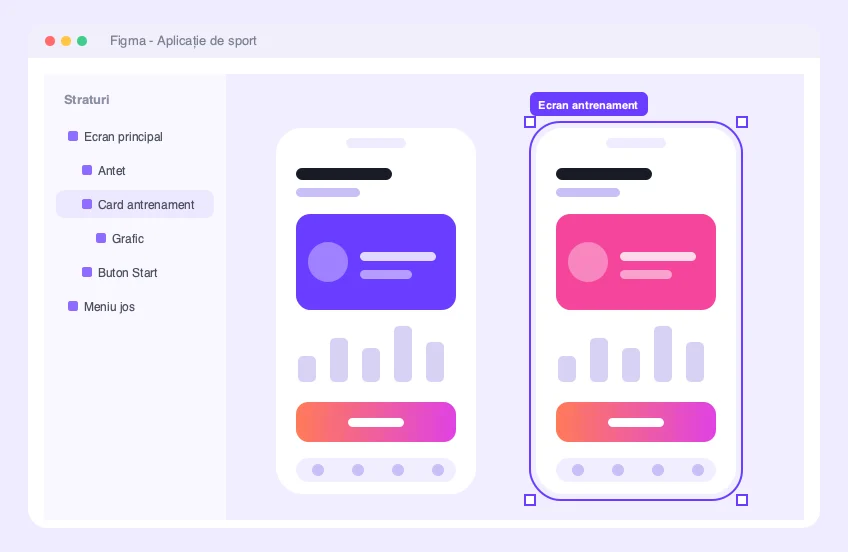
Mobile app design
Programme: Web Design & UI/UX
Technologies: Figma, prototyping
14 years old
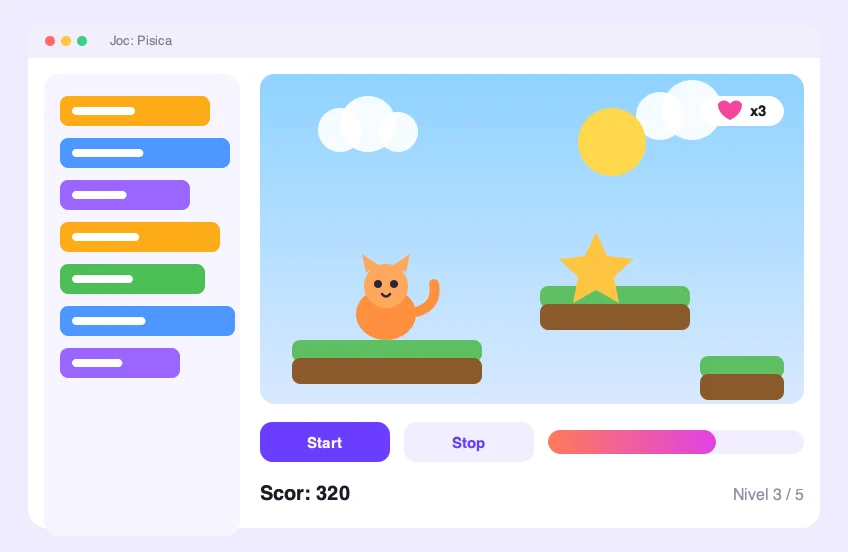
My first game about a cat
Programme: Minecraft Education
Technologies: Minecraft Education, code blocks, first scripts
7 years old

An interactive story about space
Programme: Minecraft Education
Technologies: Minecraft Education, Code Builder, characters
8 years old

Roblox Quest: The Lost Temple
Programme: Roblox Studio
Technologies: Roblox Studio, Lua, level design
11 years old
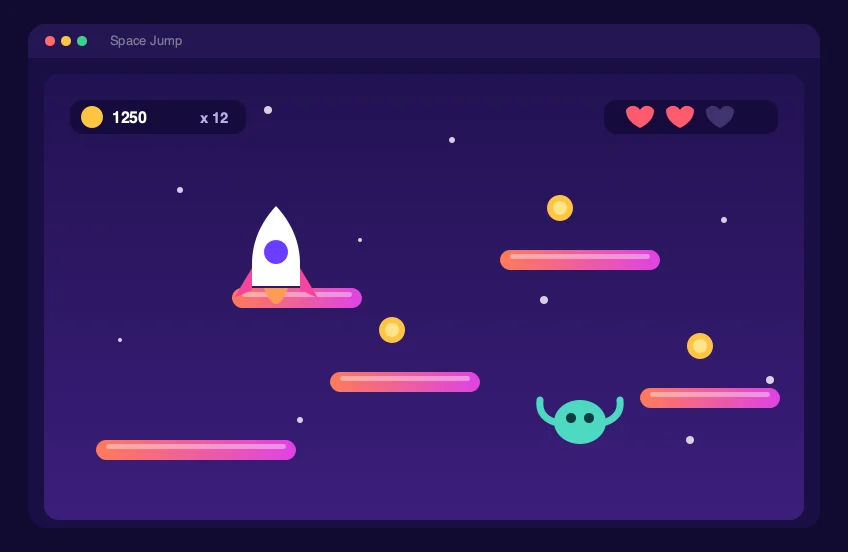
Space Jump arcade game
Programme: Game Development
Technologies: GDevelop, game logic, animation
10 years old


Still have questions? We answer honestly
We accept children from the age of 6. The first stage of the track is Digital Start — a gentle entry into IT through games and creativity, with no experience and no pressure.
The child builds their first mini project, meets a mentor and tries the learning format. The parent receives an interest analysis, a level assessment and a group recommendation.
No. The track goes from simple to advanced, and the group is chosen by age and preparation level. You can start from scratch.
These are live lessons with a teacher, not recorded videos. The child works on an interactive online platform, asks questions and gets feedback in real time.
Groups are formed by language: Russian, Romanian or English. The child studies in a clear and comfortable language environment.
It is the final stage of the track, for students aged 14–17: systematic preparation for the international Certiport Python IT Specialist certification. Participation terms are agreed during a mentor consultation.

Book your child's first
free IT mission
Book a free lesson and discover your child's IT potential.